The Best Way to Keep Track of School Emails, Permission Slips, and Deadlines
A practical parent-friendly workflow for turning school emails, permission slips, fees, forms, and schedule changes into a shared household plan.
The Friday Folder Problem Has Moved to Email
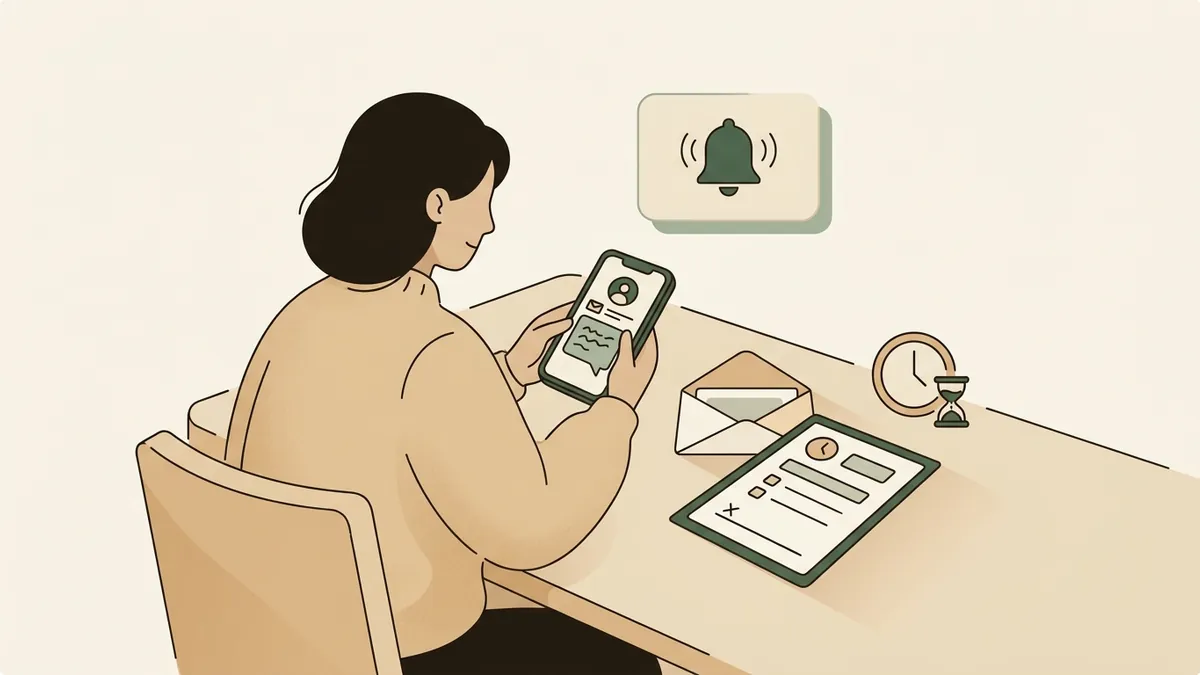
You are making dinner when a school email comes in about tomorrow's spirit day. Ten minutes later, a coach sends a schedule change. After bedtime, another message asks for a permission slip, a lunch order, and a $12 fee by Wednesday.
None of these messages are hard on their own. The problem is that they arrive in different places, at different times, with different levels of urgency. One parent reads the email. Another parent assumes it is handled. The form sits in a backpack. The deadline passes quietly.
The Failure Pattern: Reading Is Not Tracking
Most school communication breaks down after the first read. A parent opens the email, understands it, and mentally files it away. That feels like progress, but nothing has actually been assigned, scheduled, or confirmed.
A useful household system has to separate information from action. The useful question is what needs to happen, by when, and who owns it.
A Manual System That Works
Start with one shared place where school obligations become tasks. This can be a shared note, a spreadsheet, a family calendar with task notes, or a simple task app. The tool matters less than the habit.
For every school message, pull out four things: the child, the action, the due date, and the owner. For example: Maya, return zoo trip permission slip by Tuesday, owner Daniel. Or: Leo, bring black shirt for concert on Friday, owner Priya.
Then add the reminder at the moment you process the message. Do not wait until later. A useful reminder is usually one or two days before the deadline, plus an earlier reminder if the task requires a purchase, signature, payment, or coordination with another adult.
Checklist
School message processing checklist
- Is there a deadline or event date?
- Does anything need to be signed, paid, printed, packed, worn, submitted, or replied to?
- Which child does it apply to?
- Who is responsible for doing it?
- Does another adult need to know?
- What reminder should be set now?
Use Labels for the Kinds of Work School Creates
School messages tend to create repeatable categories of work. Naming those categories makes the system easier to scan.
Useful labels include forms, money, calendar, packing, clothing, food, volunteer, reply needed, and appointment. A newsletter might contain three tasks: add picture day to the calendar, send $8 for the class party, and pack sneakers for PE on Thursday.
Do not store the whole newsletter as the task. Store the actions inside it.
What to Watch Out For
The biggest risk is building a system that only one parent understands. If the shared list is too detailed, too hidden, or too dependent on one person's memory, it will slowly become another inbox.
Also watch for vague tasks. Handle school email does not help much. Upload vaccination form by May 10 gives the household something specific to do. Ask Sam's teacher whether the field trip needs a packed lunch gives someone a clear next step.
Finally, do a short weekly review. Ten minutes on Sunday can catch missing payments, dress-up days, library books, sports changes, and forms still waiting in backpacks.
Where Solenne Helps
Solenne is built for the part of household operations that usually lives between email, memory, and last-minute texts.
Instead of asking a parent to manually inspect every school message, Solenne helps turn incoming family communication into a reviewable plan. It can identify dates, deadlines, forms, fees, schedule changes, and action items, then organize them into tasks, reminders, and ownership for the household.
Parents still review what matters. Solenne makes the intake and extraction work less brittle, so the household can spend less time searching old emails and more time deciding who is doing what.
The Practical Takeaway
The best way to keep track of school emails, permission slips, and deadlines is to stop treating the inbox as the system of record. Use it as the source, then move every real obligation into a shared household plan.
Whether you do that manually or with Solenne, the core workflow is the same: capture the action, assign the owner, set the reminder, and review the plan before the week gets away from you.
FAQ
Questions parents ask
What is the simplest way to organize school emails?
Use one shared task list or calendar note for all school actions. For each message, record the child, action, deadline, and owner. The inbox should hold the original message, but the shared plan should hold the work.
How often should parents review school deadlines?
A short weekly review is usually enough for most households, plus same-day processing for anything urgent. Sunday evening or Monday morning works well because it catches forms, clothing needs, fees, and schedule changes before the week starts.
Should every school email become a task?
No. Only messages that require action, decision, payment, attendance, packing, signing, replying, or remembering a date need to become tasks.
Try Solenne
Make school logistics easier to review
Solenne helps turn school emails, forms, fees, dates, and reminders into a shared household plan with clear ownership.
See how Solenne worksRelated articles
Keep building the system
How to Manage School Emails, Family Calendar, and Tasks in One System
A parent-friendly workflow for turning school emails into the right mix of calendar events, task list actions, reminders, owners, and source context.
Read articleGoogle Calendar vs Solenne for School Emails and Permission Slips
A practical comparison of Google Calendar and Solenne for families managing school emails, permission slips, deadlines, tasks, reminders, and source context.
Read article