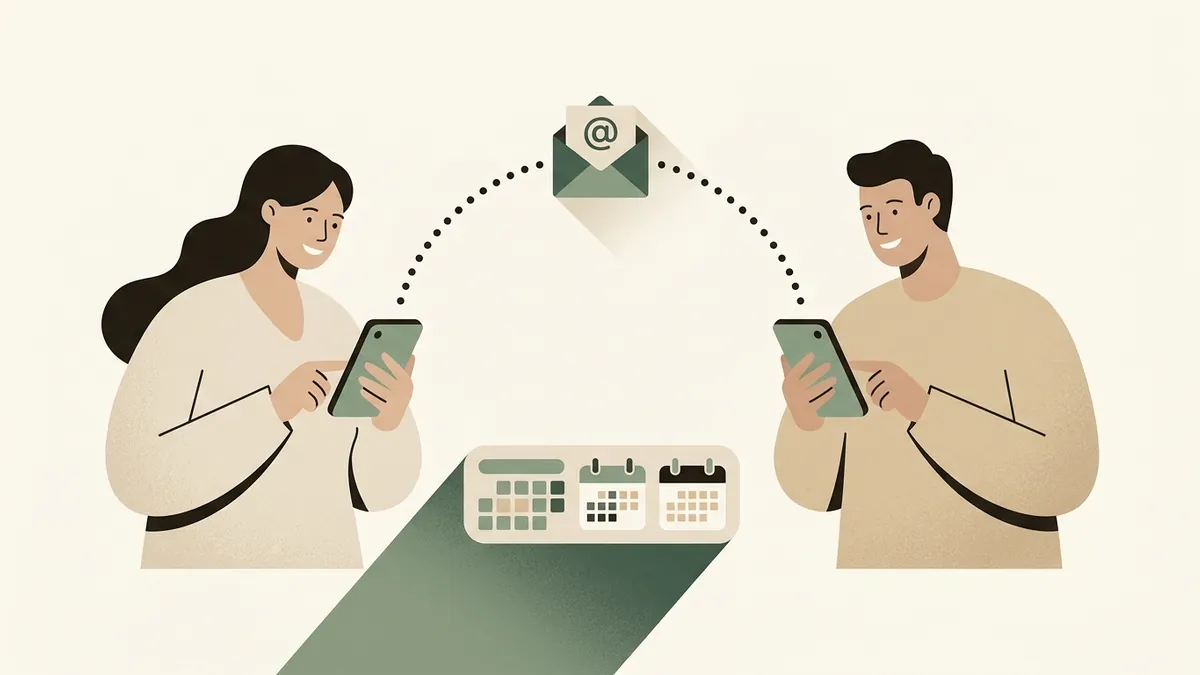
How to Share School Emails With Your Partner Without Forwarding Everything Manually
A practical manual workflow for turning school emails into a shared household plan, with ownership and reminders.
The Email Arrives, Then the Work Begins
A school email lands at 9:14 p.m. The subject line says Important reminders for Friday. Inside are five different things: wear sneakers for field day, bring a labeled water bottle, return the permission slip, send $8 for pizza, and note that pickup will be at a different gate.
If one parent receives the email and forwards it with FYI, the work is still unfinished. Someone has to decide what matters, add the dates, assign the errands, set reminders, and make sure the other parent actually saw the update.
The Failure Pattern
The common failure pattern is treating school email forwarding as communication. Forwarding moves the message, but it does not turn the message into a plan.
That creates familiar household friction: one parent becomes the default school inbox, the other parent feels looped in too late, and details get buried under newsletters, reminders, signup links, and reply-all threads.
Copying every email to both adults creates noise. The better target is a short shared plan where important parts are visible, owned, and remembered.
A Manual System That Actually Works
Start by creating one shared place for school operations. This can be a shared note, shared task list, shared calendar, or a simple weekly document. The tool matters less than the rule: school emails get converted into dates, tasks, and decisions.
When an email arrives, do a quick triage. Ask: Is there a date? Is there something to bring, sign, pay, book, or reply to? Does one parent need to know because it affects pickup, bedtime, meals, uniforms, or childcare?
Then rewrite the email into plain household language. For example: Friday, field day. Pack sneakers and water bottle. Permission slip due Thursday. $8 pizza money due Friday. Pickup at north gate.
Assign each action to a person. Maya signs and returns permission slip. Jon sends pizza money. Both note pickup change. If nobody owns it, it will rely on memory.
A Simple Weekly Rhythm
Pick one time each week to clear school communications. Sunday evening or Monday morning often works because it catches the week before logistics start moving.
During that review, scan the school inbox, class app, coach updates, and any parent group messages. Pull out only the actionable items. Put dates on the calendar, tasks in the shared list, and reminders where they will be seen.
For time-sensitive updates, do not wait for the weekly review. A pickup change, same-day costume request, or form due tomorrow should become a direct task or message immediately.
Checklist
School email triage checklist
- Is there a deadline?
- Is there a calendar date or schedule change?
- Does something need to be signed, paid, packed, booked, or returned?
- Does one parent need to handle it?
- Does the child need a reminder?
- Should this be saved for later reference?
What to Watch Out For
Do not forward everything. Too much forwarded email teaches everyone to ignore the thread. Share the decision or action, and keep the original message available if someone needs the source.
Do not rely only on verbal handoffs. I told you about picture day is hard to track when both parents are tired and the week is full.
Do not make one parent the permanent translator of school life. If one adult receives most of the emails, the system should still make the plan visible to both adults.
Be careful with sensitive information. Health details, learning support updates, disciplinary notes, and financial information may need a smaller audience than general school logistics.
Where Solenne Fits
Solenne is built for this kind of household work. Instead of asking one parent to manually read every school email and translate it into tasks, Solenne can act as an intake layer for family communication.
It helps extract the useful parts from school emails, coach updates, newsletters, forms, fees, deadlines, and schedule changes. Those details can become shared dates, tasks, reminders, and ownership between parents or caregivers.
The important part is that the plan stays reviewable. Parents can see where an item came from, confirm what matters, adjust ownership, and keep the household aligned without turning the original inbox into a second job.
Practical Takeaway
If school emails are causing friction at home, start with a manual system this week. Pick one shared place, extract actions instead of forwarding everything, assign ownership, and review the week ahead on a predictable schedule.
Once that pattern is clear, automation becomes much more useful. Solenne can help reduce the repeated sorting, copying, and reminder-setting so parents can spend less time managing school logistics and more time handling the parts that need judgment.
FAQ
Questions parents ask
Should both parents receive every school email?
Sometimes, but it is often more useful for both parents to share the resulting plan. Keep original emails accessible, then turn the important details into tasks, dates, and reminders.
What is the best app for sharing school emails?
The best starting point is the one both parents will actually check: a shared calendar, task list, or note. Solenne is designed for families that want school emails and updates converted into shared household actions with ownership and reminders.
How do we avoid one parent becoming the school manager?
Assign ownership task by task. One parent may receive more emails, but the work should be split once the actions are clear.
Try Solenne
Make school emails easier to act on
Solenne helps parents turn school communication into shared dates, tasks, reminders, and clear ownership.
Learn more about SolenneRelated articles
Keep building the system
School Communication Apps vs a Family Action Inbox
A practical comparison of school communication apps and a family action inbox for parents managing school updates, forms, fees, reminders, and ownership.
Read articleHow to Manage School Emails, Family Calendar, and Tasks in One System
A parent-friendly workflow for turning school emails into the right mix of calendar events, task list actions, reminders, owners, and source context.
Read article