School Communication Apps vs a Family Action Inbox
A practical comparison of school communication apps and a family action inbox for parents managing school updates, forms, fees, reminders, and ownership.
The Message Arrives, but the Work Is Still There
The school app sends a reminder. The class email includes a signup link. The coach posts a schedule change. The office sends a PDF. The information exists, but the household still has to turn it into action.
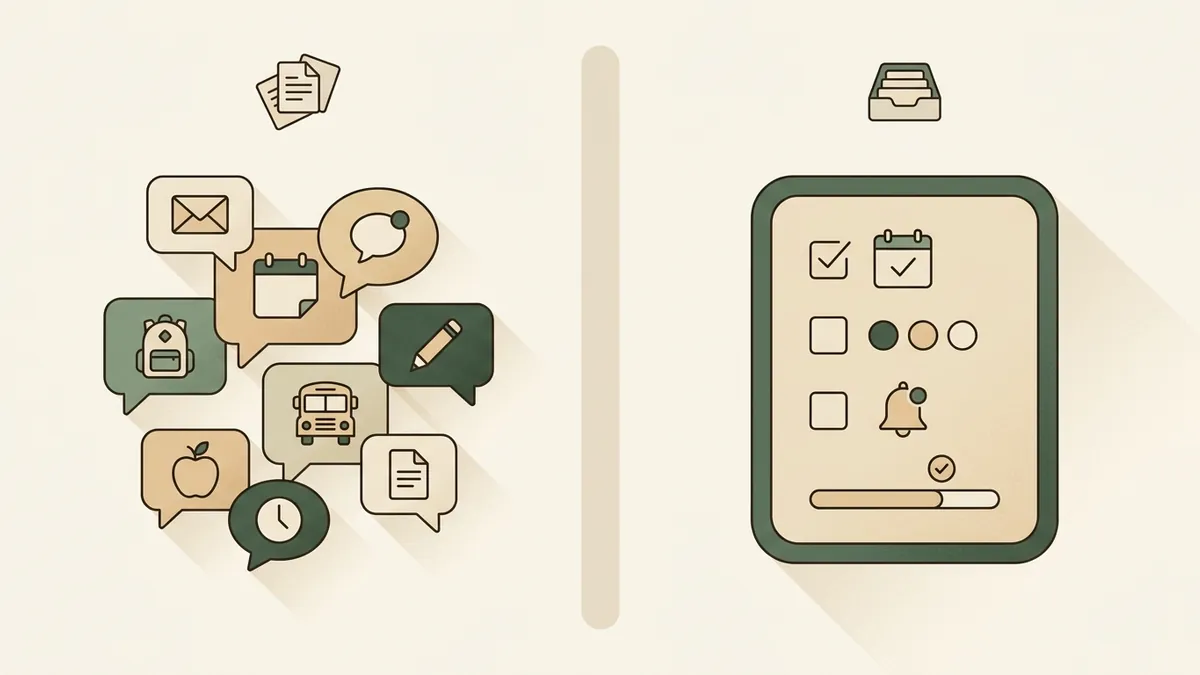
That is why school communication apps and family action inboxes solve different parts of the problem. One is a channel from school to parent. The other is the household workflow after the message arrives.
Where School Apps Fit
School communication apps belong in the system because they are often the official school channel. They may handle announcements, teacher messages, class posts, school-wide notices, forms, links, photos, and emergency communications.
Parents should keep using the channels their school requires. A household tool should not pretend to replace the source of truth for school communication.
Where School Apps Can Break for Parents
The workflow breaks when information is split across school apps, email, sports apps, paper flyers, PDFs, screenshots, and text threads. None of those channels knows the full household plan.
A teacher can send the message clearly, and the household can still miss the action. Someone has to notice the date, identify the task, assign an owner, set the reminder, and preserve the source.
A Manual Workaround
A family action inbox gives every school update the same processing path, regardless of where it came from.
Checklist
Action inbox workflow
- Capture the source: school app, email, flyer, PDF, screenshot, or coach message.
- Pull out fixed dates and schedule changes.
- Pull out actions: sign, pay, pack, buy, reply, upload, register, confirm.
- Assign one owner to each action.
- Set a reminder before the action becomes urgent.
- Keep enough source context that another parent can check the details.
What to Watch Out For
The manual workflow fails when the intake is too scattered or one parent is always the translator. If the school app tells one parent, the email goes to another, and the paper flyer is in a backpack, the family does not have a shared plan.
It also fails when the household treats visibility as ownership. A message in a shared app is visible, but visibility does not sign the form or pack the costume.
Where Solenne Fits
Solenne is not a school communication platform. It does not replace the school's official channels. It helps families process the school and activity information that arrives in emails and supported attachments.
Solenne helps turn those messages into reviewable dates, deadlines, forms, fees, bring lists, reminders, owners, and source notes. The household can then review what needs doing instead of relying on one parent to remember every channel.
That makes Solenne a family action inbox: a place where incoming communication becomes a plan the household can actually use.
Practical Selection Rule
Use school communication apps for official school information. Use a family action inbox for the household work that comes after the information arrives.
The selection rule is simple: if your problem is receiving the message, improve the school channel. If your problem is turning the message into shared action, build an action inbox.
FAQ
Questions parents ask
What role do school communication apps play?
School communication apps are usually the official source for announcements, teacher updates, class messages, school forms, and school-required channels. They are not always designed to manage household ownership and reminders across parents.
What is a family action inbox?
A family action inbox turns incoming school information into dates, tasks, reminders, owners, and source context that the household can review together.
Does Solenne replace school communication apps?
No. Solenne is not a replacement for school communication platforms. It helps families act on the information that comes from school emails and supported attachments.
Try Solenne
Turn school communication into household action
Solenne helps parents turn school emails and supported attachments into a reviewable family action inbox with dates, tasks, reminders, owners, and source context.
See how Solenne worksRelated articles
Keep building the system
Family Calendar vs Family Action Inbox: What Parents Actually Need
A parent-focused comparison of family calendars and action inboxes, with a practical workflow for turning school emails into dates, tasks, owners, and reminders.
Read articleHow to Share School Emails With Your Partner Without Forwarding Everything Manually
A practical manual workflow for turning school emails into a shared household plan, with ownership and reminders.
Read article